
Year 6 maths SATs practice
Year 6 maths practice that shows you exactly who needs help, and with what
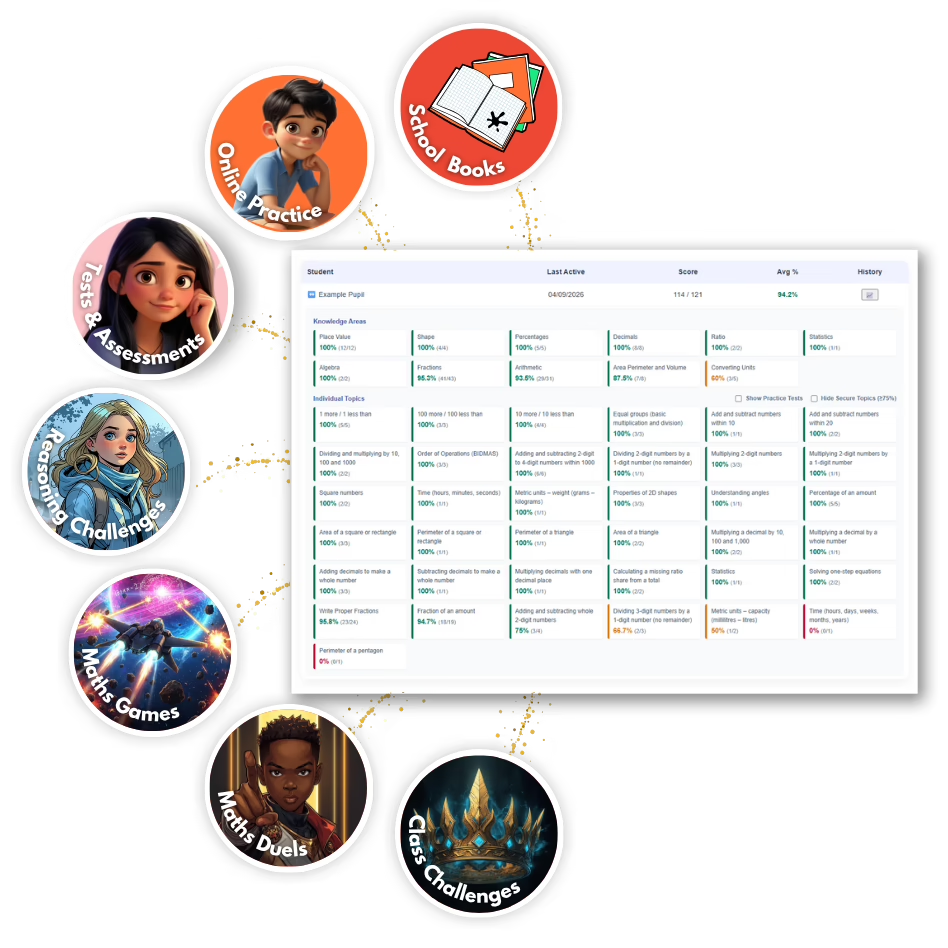
Pupils practise SATs-style questions, games and reasoning challenges they want to come back to. Every answer is marked automatically and turned into a clear picture of each child’s gaps, so you can spend your time teaching, not marking.
14-day free trial. Set up your class in under 5 minutes. No pupil emails needed.
- No chat, adverts or pupil emails
- Data stored in the EU
- Published DPA, DPIA and security documents
- Written by DBS-checked UK teachers
For busy teachers
What changes for you
Less time marking and building spreadsheets. More time teaching the right thing to the right pupils.
See the gaps in seconds
Topic-by-topic results for every pupil and the whole class, updated with every answer.
No extra marking
Every answer is marked automatically. There is no extra assessment to set and no manual analysis to do.
Practice groups, ready made
Pupils who are struggling with the same topics are grouped for you. You decide what to do with the groups.
Exercise books count too
Add marks from written work and they join the same picture as the online results.
For teachers
A clear picture of every pupil, without the marking
Every answer leaves a trace. Together they show what each child knows, where they are stuck, and what to teach next.
- Topic-level results for each pupil, colour-coded so weak spots stand out.
- Question-by-question test breakdowns with a teacher tip when more than 40% of the class struggled with the same question.
- Set a class task in a click, or launch a class challenge with a shared goal and a reward you choose.
- See who practised with a 7-day activity history, including time spent at home.
- Export results to CSV whenever you need them.
Workbook Insight
Don’t let learning disappear into exercise books
Children show what they know in their books every day. Now that evidence can join the same picture as their online results.
- Practice
- Evidence
- Insight
- Action
- Progress
Mark as usual. Scan or enter the score.
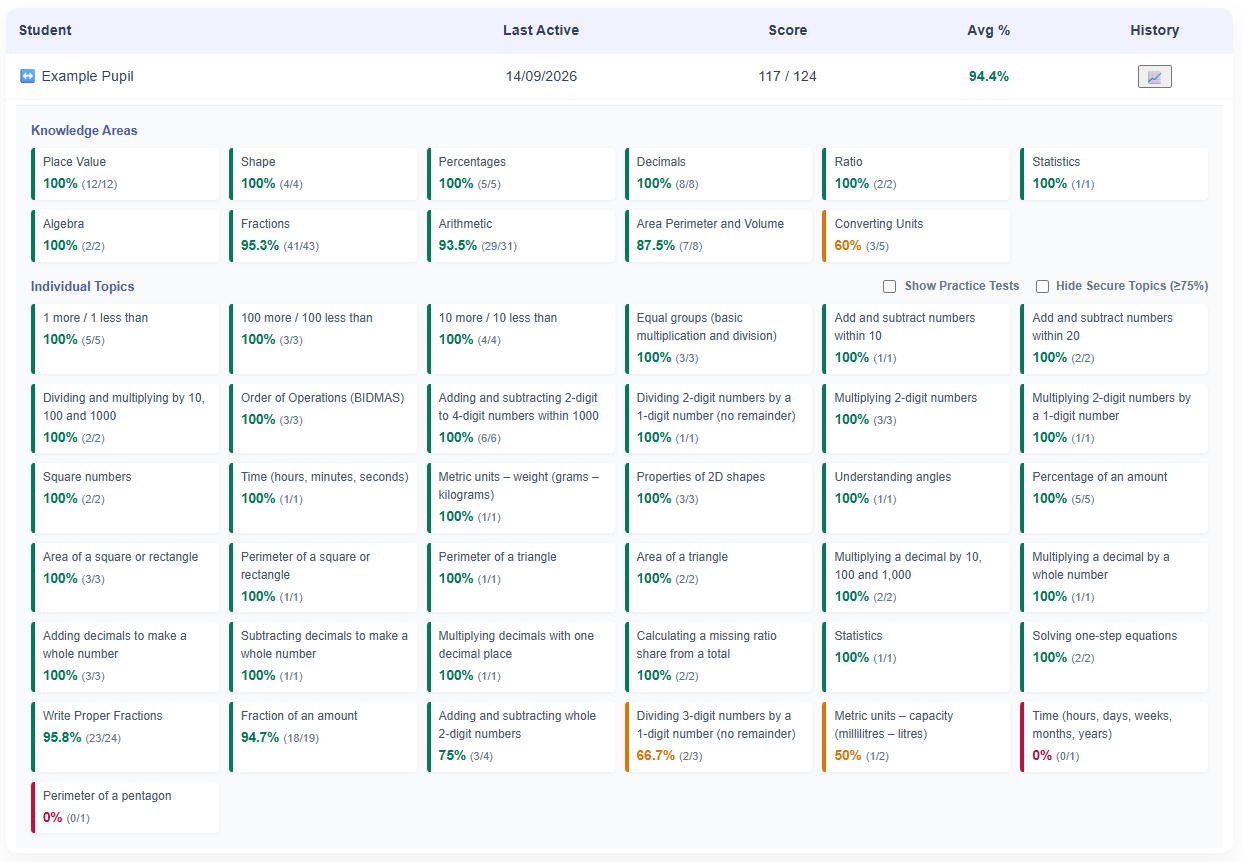
Pupils complete work in their books and you mark it as you always do. Add the score and MathsForSATs matches it to the right topic, then feeds it into the same Class Insights and Areas for Improvement as the online work.
- See at a glance who submitted and how the class did.
- Scanning happens in your browser, and no camera image is uploaded or stored.
For pupils
Practice children want to come back to
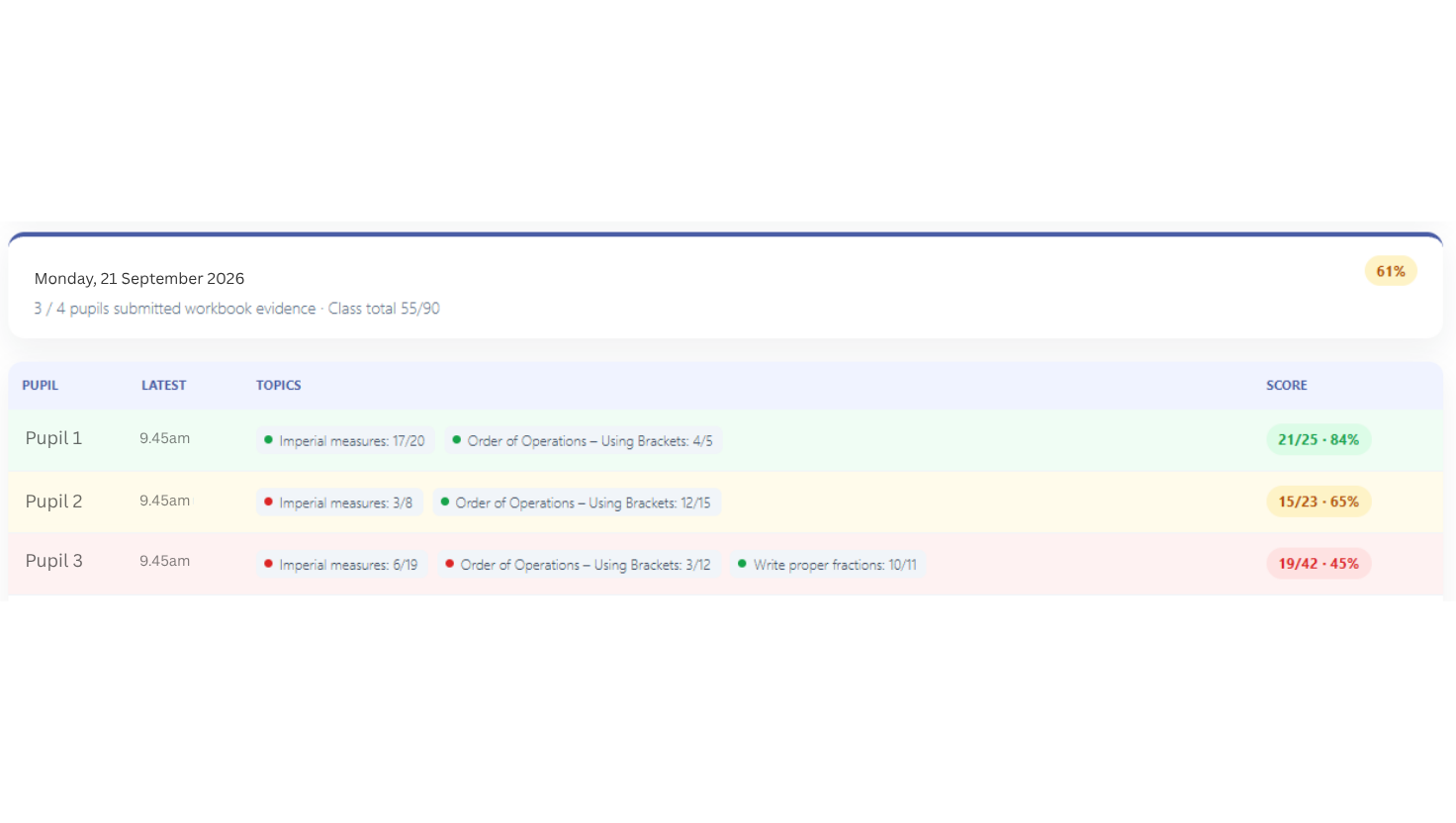
Instant feedback and hints, games and mysteries, and personal bests to beat. After practising, each pupil sees the areas to work on next, with specific advice, so they always know what to try.
Progress you can see
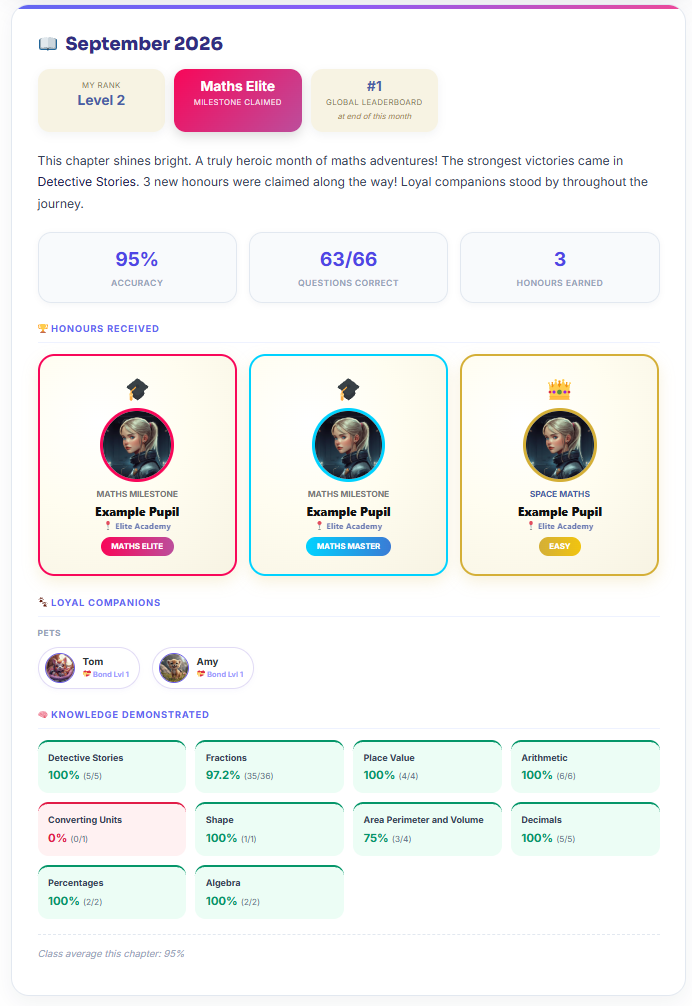
A new chapter of every pupil’s maths story, every month
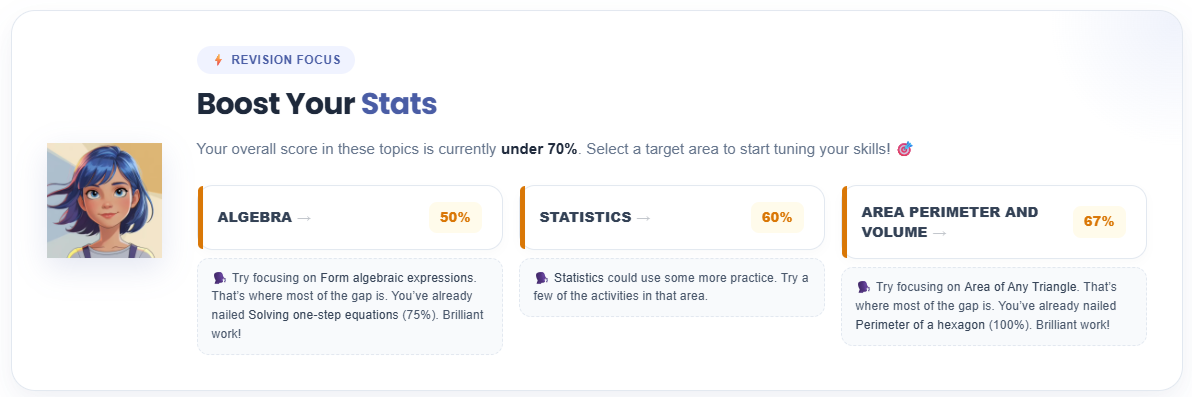
On the first of each month, MathsForSATs writes a chapter for every pupil who practised: accuracy, strongest topics, honours earned and the companions beside them. Over a year it becomes a record of how their understanding has grown.
- Pupils see their own progress and feel proud of it.
- Teachers can open any pupil’s Chronicle in their class.
- Print or save as a PDF for a parents’ evening.
For school leaders and trusts
From pupil to class, school to trust
The same learning data shows patterns at every level, from an individual pupil’s current gaps to class priorities and, where several schools take part, trust-wide insight. Trust directors see class-level results, not individual pupils.
Class and school priorities
See which topics are strong and which need whole-class teaching.
Trust-wide overview
Compare classes across your schools by topic and over the academic year.
Easier approval
The documents your data protection lead will ask for are published and ready to print.
Safe by design
Safeguarding is part of how MathsForSATs was built, not an extra. Schools decide how much information pupils share.
What teachers say
It was clear to see the more the students used MathsForSATs, the more confident they became. They enjoyed their revision sessions and setting themselves individual targets to reach.
Jo Foster, Deputy headteacher and Year 6 class teacher, Eynesbury C of E Primary School
I found the whole website really useful, it was easy for me to see where the children’s gaps were and therefore I was able to address them swiftly. It was easy to set up and use too.
Amy Jones, Year 5/6 class teacher, Great Paxton C of E Primary School
Pricing
Simple pricing, per plan, not per pupil
14-day free trial where shown at sign-up. Plans renew annually and can be cancelled in your account.
Up and running in three steps
- Add your classType or paste pupil names, or use class codes. Print the login cards.
- Pupils practiseIn lessons, at revision club or at home, on any device with a browser.
- See what to teach nextThe dashboard updates with every answer. There is nothing to mark.
Questions teachers ask
How long does it take to set up?
Most teachers are ready in a few minutes. Create your class, add pupils by typing or pasting their names, print the login cards, and pupils can sign in by scanning the QR code on their card.
Do pupils need email addresses?
No. Pupil accounts are created by the teacher, and no pupil email address is collected. Schools choose how pupils are named, from first names to anonymous class codes such as “Puffin 1”.
What if a pupil finds Year 6 maths too hard?
Space Maths adapts to the pupil, with levels that run from earlier-year maths up to Year 6, so every child can start where they are and build up.
Can pupils use it at home?
Yes, on any device with a web browser. Teachers can see a 7-day history of active practice time, so you can see who has practised outside lessons.
What happens to pupils’ answers?
Every answer is marked automatically and added to that pupil’s learning record. Teachers see results by topic and knowledge area. The school decides what to do with that information.
Where is our data stored, and can we see your data protection documents?
Data is stored in the European Union and is never sold or used for advertising. A Data Processing Agreement, DPIA, retention schedule, security sheet and printable notices for parents, pupils and staff are published in the School and Trust Compliance Centre.
How much does it cost?
Class plans start at £79 a year, and a single-child family plan is £39 a year. Prices are per plan, not per pupil, and plans renew annually unless cancelled.
Ready to see what your pupils can achieve?
Start with your Year 6 class. Set up your class in under 5 minutes.
14-day free trial. No pupil emails needed.
See how we handle information in our Privacy and Cookies Policy.